
What is Nijut Moina Asoni?
Nijut Moina Asoni (also written as Mukhya Mantrir Nijut Moina Aasoni) is a scheme by the Assam government. It provides monthly financial support to eligible girl students studying in Higher Secondary, UG, or PG courses, so they can continue their studies without financial worries.
If you are a girl student in Assam, this guide will walk you through the online application, step by step, in very simple words.
Before you start: The online application window opens only for a few days each year (in 2026, it was open from 14 August to 5 September). If the window is closed right now, don’t worry — this guide still shows you exactly what to do when it reopens next time. Check our [Eligibility page] first to confirm you qualify.
Documents You Need Before You Start
Keep these ready on your phone or computer before you open the portal. This will save you time and stress.
- Aadhaar card (make sure your Aadhaar is linked to your bank account)
- Bank passbook first page (clear photo, showing account number and IFSC code) — or a cancelled cheque
- Your registration/enrollment number from your college or school
- Mobile number that you use for OTP
- A recent passport-size photo (check size rules below)
- Marksheets (10th, 12th, or degree — as applicable to your course)
👉 For the full, updated list, check our [Documents Required page].
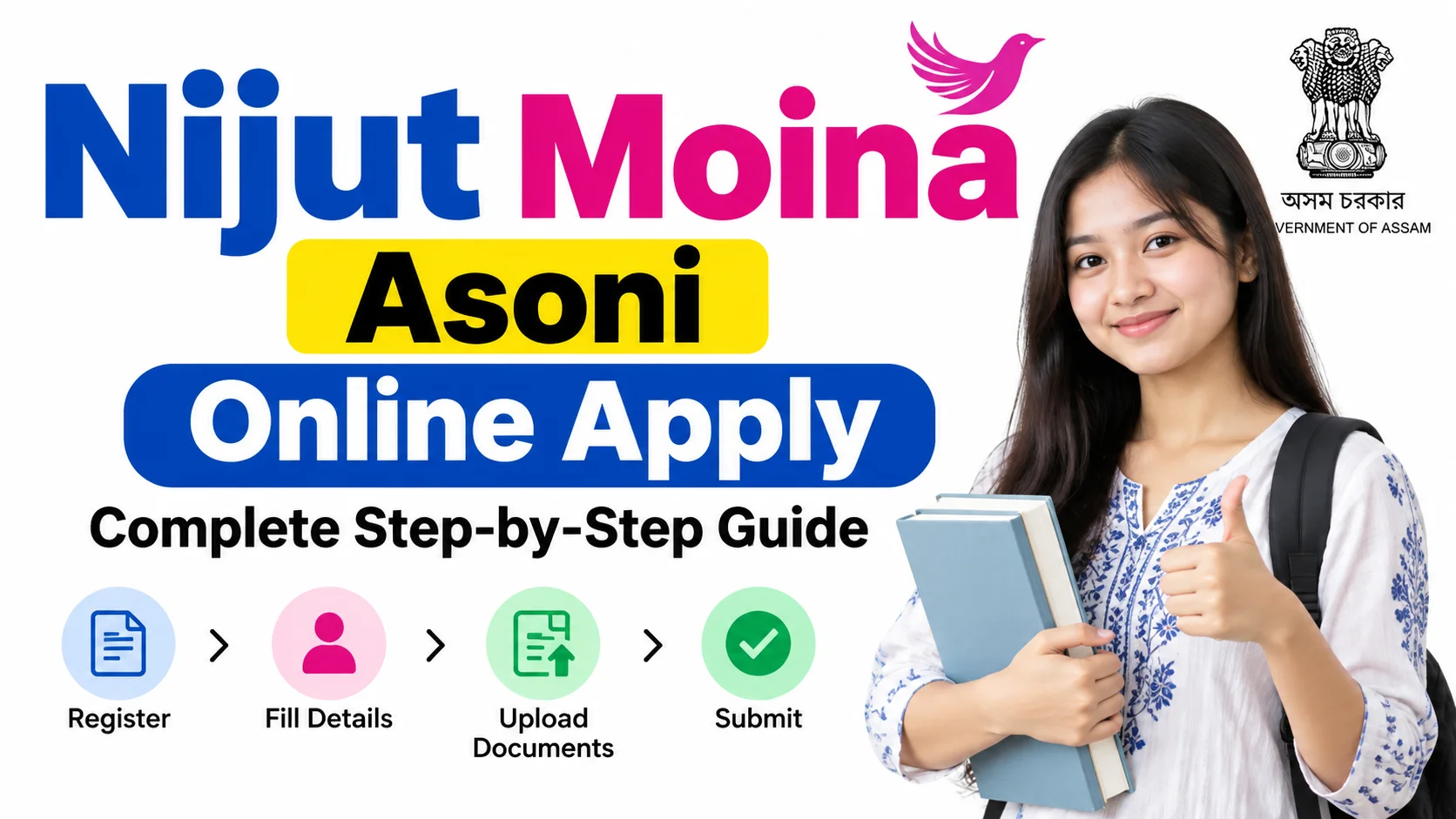
Step-by-Step Guide to Apply for Nijut Moina Asoni Online
There are two portals, depending on what you are studying:
- DARPAN Portal — for Class XI and Class XII (Higher Secondary) students
- SAMARTH Portal — for UG, PG, B.Ed, and Polytechnic students
Both portals work in a similar way. Follow the steps below carefully.
Step 1: Open the Correct Portal
Do not search on Google and click the first link you see. Many fake or old links float around online.
- HS students: go to the official DARPAN portal for your class (1st year or 2nd year login page).
- UG/PG/B.Ed/Polytechnic students: go to the official SAMARTH portal login page.
Step 2: Log In With Your Correct Details
- Class XI students: log in using Mobile Number, Date of Birth, and your 6-digit PIN.
- Class XII students: log in using your Registration Number, Date of Birth, and the default password (usually a simple number set by the portal — check your school notice if unsure).
- UG/PG students: log in using your SAMARTH student credentials (the same ID you use for admission or exam forms).
Step 3: Select “Apply Nijut Moina Aasoni Scheme”
Once you are logged in, look for a button or menu option that says something like “Apply Nijut Moina” or “Nijut Moina Aasoni Scheme.” Click on it to open your application form.
Step 4: Fill In or Check Your Personal Details
Your name, date of birth, and course details may already be filled in from your college/school record. Go through each field slowly and check for spelling mistakes, especially in your name — it must match your Aadhaar card exactly.
Step 5: Complete Aadhaar Authentication
This step confirms that you are really you. You may get an OTP on your Aadhaar-linked mobile number. Enter it carefully.
⚠️ Never share this OTP with anyone, even someone claiming to help you.
Step 6: Enter Your Bank Account Details
Enter your own bank account number and IFSC code carefully. This account must:
- Belong to you (the student), not a parent or sibling
- Be linked (seeded) with your Aadhaar
- Be active and able to receive money transfers (DBT)
Step 7: Upload Your Bank Document and Photo
Upload a clear photo or scan of your bank passbook’s first page (or a cancelled cheque). Also upload your passport-size photo if asked.
Step 8: Review Everything Before Submitting
This is the most important step. Read every field again — your name, Aadhaar number, bank details, and course details. One small typing mistake can delay your money or get your form rejected.
Step 9: Submit the Form and Download Your Receipt
Click “Submit.” Once done, an Acknowledgement Receipt will be generated. Download it and save it in a safe folder (or print it). You may need it later.
Step 10: Submit the Hard Copy at Your College/School (If Needed)
Some institutions also ask for a signed hard copy after online submission. Check with your college office or class teacher whether this is required in your case.
Common Mistakes Applicants Make (And How to Avoid Them)
- Using the wrong login link. There are many similar-looking websites and YouTube video links online. Always use the official portal link shared by your college, school, or the government notice — not a random search result.
- Session expiring while filling the form. The portal can log you out if you take too long or leave the tab open without activity. Keep all your documents and details ready before you start, so you can fill the form quickly without long pauses.
- Wrong photo or document size. Many students upload a photo or PDF that is too large or in the wrong format, and the portal rejects it. Always check the file size and format (usually JPG/PNG for photos, under a certain KB/MB limit) mentioned on the upload page before you try to upload.
- Mismatched name or Aadhaar details. If your name is spelled slightly differently in your Aadhaar, bank account, and school/college records, your application can get stuck or rejected. Double-check that all three match exactly before you apply.
Frequently Asked Questions
Which portal should I use — DARPAN or SAMARTH?
Use DARPAN if you are in Class XI or XII (Higher Secondary). Use SAMARTH if you are in UG, PG, B.Ed, or Polytechnic.
What if my application gets rejected or returned?
Log in again, check the reason given on the portal, correct the mistake, and resubmit before the deadline. Don’t wait till the last day to fix errors.
Can I use my parent’s bank account instead of my own?
No. The scheme requires your own active bank account, linked with your own Aadhaar number, so that money is transferred directly to you.